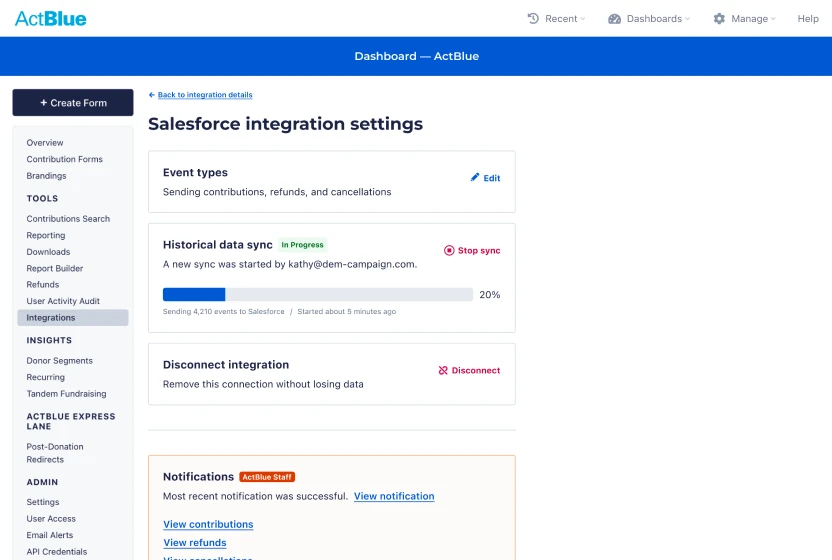
Building a multi‑brand token system
Led token architecture and Figma-to-code automation for Toyota’s PRIME design system, defining 680 primitive and theme tokens and 120 component tokens.
Staff UI/UX EngineerRemote2024 to 2025
Researchers across the organization collect thousands of open-ended responses from surveys, workshops and interviews. Assigning each response a theme by hand, known as coding, takes 10 hours or more per 100 responses, so the work often gets deprioritized.
I was the sole designer on a short project to improve an internal research tool that uses AI to extract insights from qualitative data. I joined after the first prototype was built to shape the experience, support implementation and validate real research use cases.
ServiceNow is an enterprise cloud platform that automates workflows across IT, HR and customer service. Its 22,000+ employees rely on internal tools such as the employee intranet. Every internal tool uses Oolong, the design system I worked on in my primary role.
This project began as an effort to quickly improve the insights gained from user research. A researcher built the first prototype with AI. The goal was a workflow that is faster, easier to navigate and usable by non-experts as well as trained researchers.
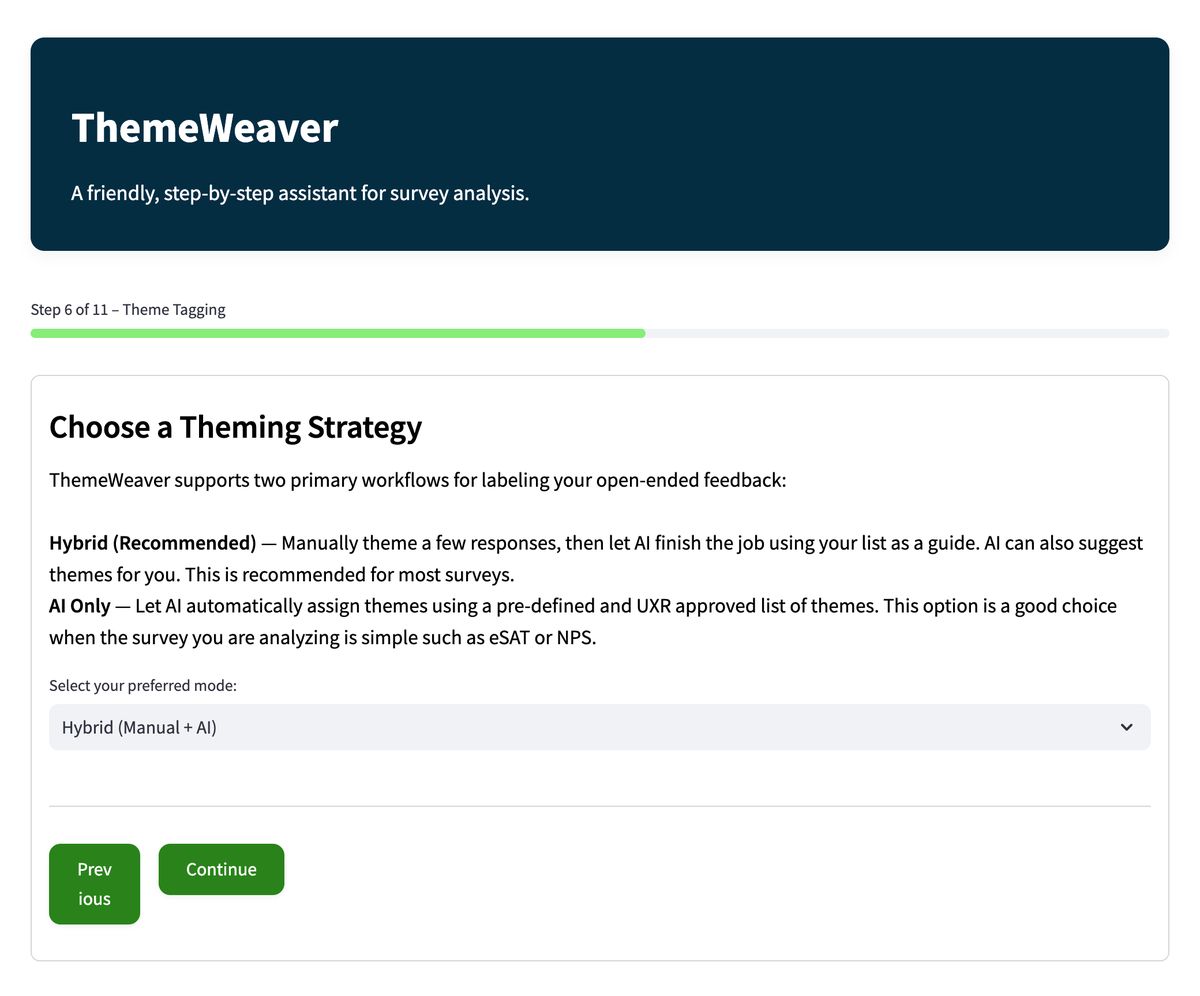
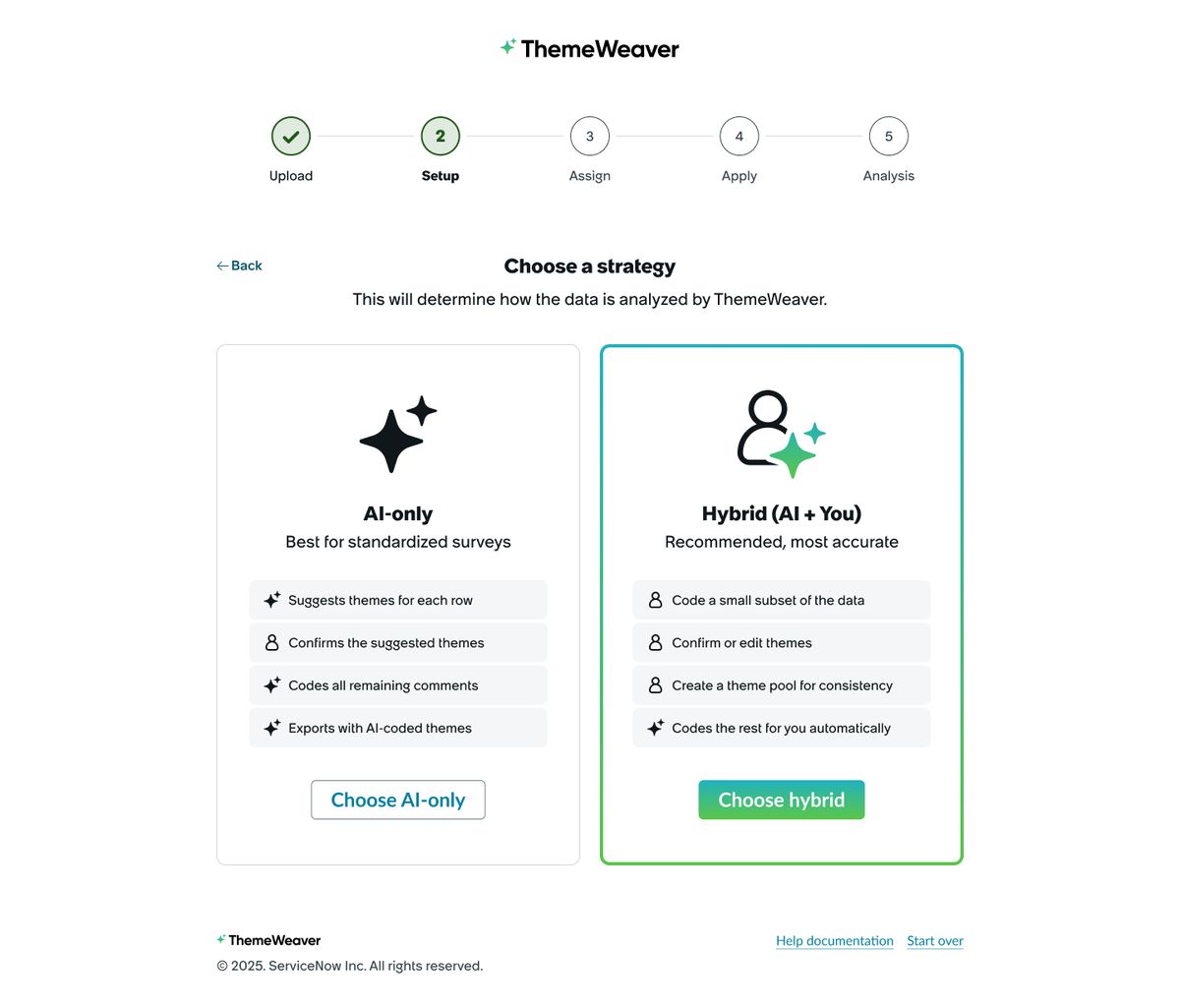
Researchers define a set of themes, and the AI assigns them to responses. This is called coding, and a fully coded dataset has a theme on every response. With the Hybrid strategy, the tool recommends that researchers code about 10% of their responses. For 1,000 responses, that means coding 100, which saves a lot of time. The AI codes the rest with an estimated 95% accuracy, against an estimated 70% for AI-only.
Early testing of the prototype showed that users were unsure how best to use the tool and how it differed from the company's internal ChatGPT.
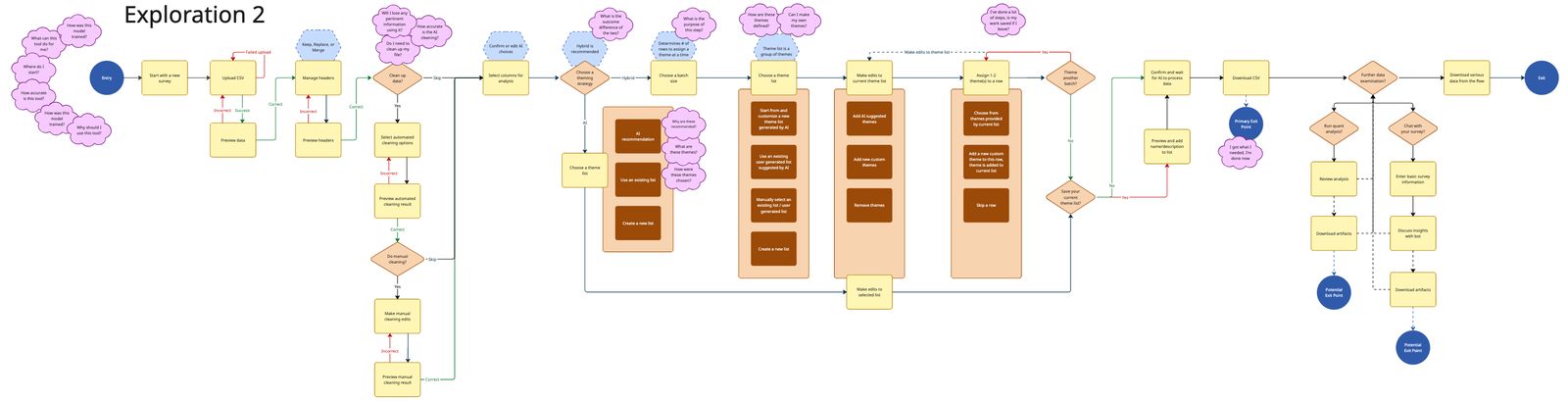
I mapped the journey from upload to coded dataset to make each step clear. From the map I simplified the interaction model and reworked how guidance appears.
I used low-fidelity layouts to move the conversation to content and flow, then built high-fidelity designs with Oolong components to match the corporate design language. I annotated responsive layouts in Figma so engineering could build them.
I worked with the research team to get my designs implemented and to gather feedback on them. That feedback led us to prioritize the responsive layouts that users asked for.
The prototype had no clear path or end point. The redesign adds a five-step progress bar, so users can see where they are and what comes next. The strategy screen sets AI-only against Hybrid and recommends Hybrid as the most accurate.
The tool’s creator and ServiceNow leadership told me testing went well. Researchers understood the tool and saw how it differs from general chat tools, which are not trained for research coding. I did not collect usage metrics before my engagement ended.
Leadership reviewed the designs, approved future work and assigned more resources to the tool. I designed draft features for those enhancements before my engagement ended.
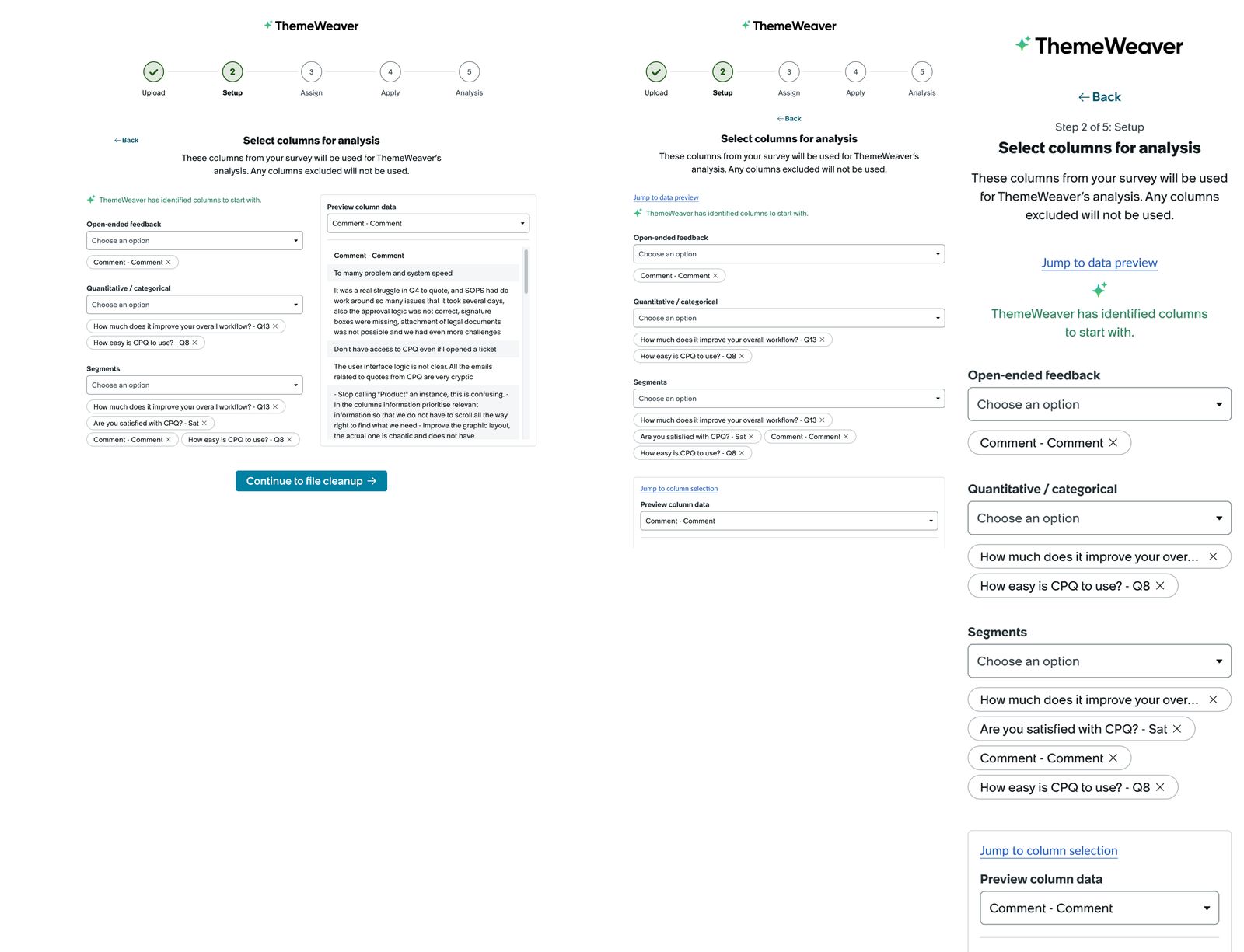
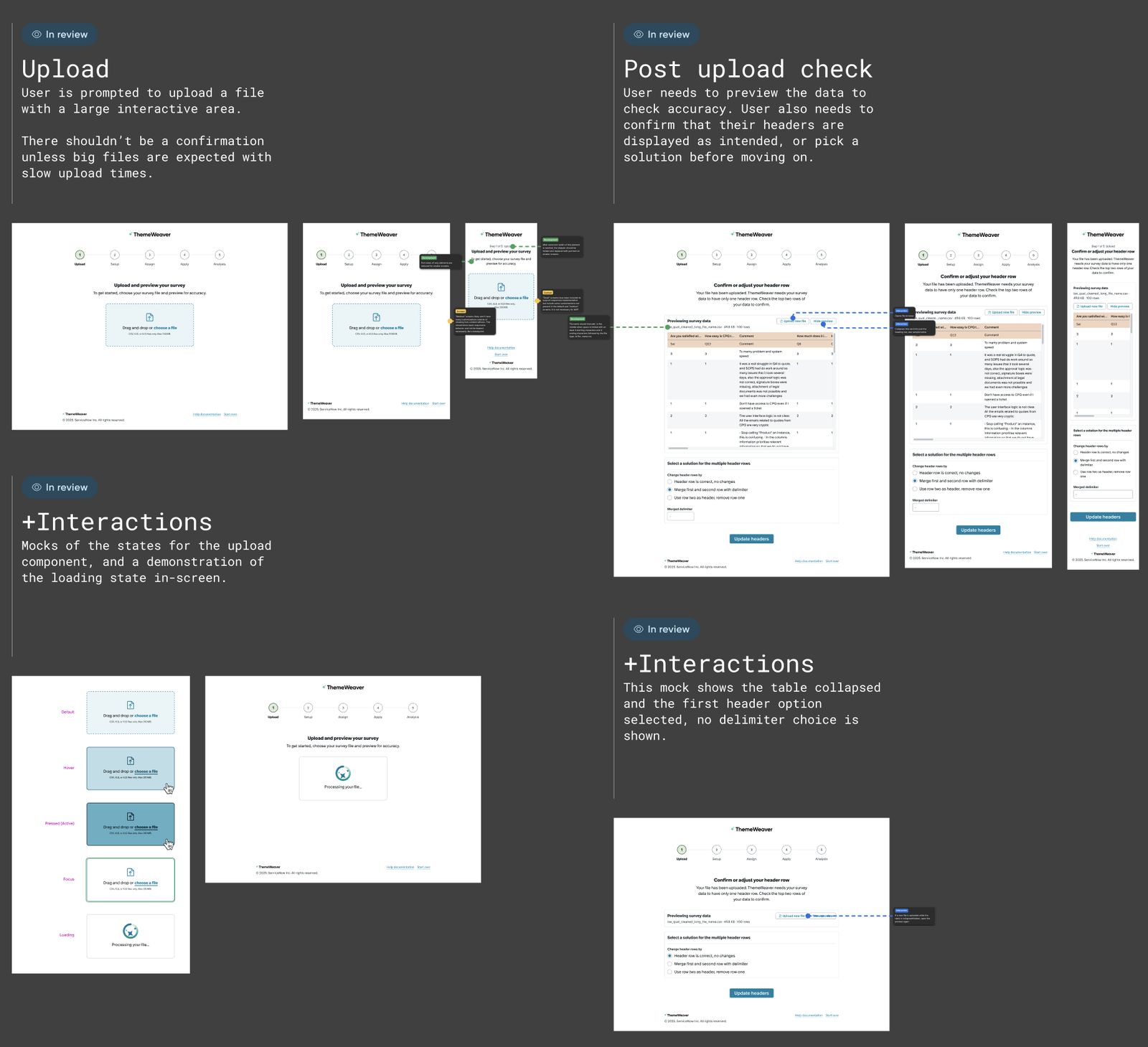
The prototype's technical limits shaped what we could build. Looking back, I would add two things:
Researchers write their own themes before the AI does any work. I would have the AI suggest a starting set from the responses and let researchers accept, edit or replace them. That would speed up setup.
I would let researchers correct AI-coded responses as they review. Those corrections would add to the training the AI gets from the responses researchers code up front, and improve its accuracy over time.
Led token architecture and Figma-to-code automation for Toyota’s PRIME design system, defining 680 primitive and theme tokens and 120 component tokens.
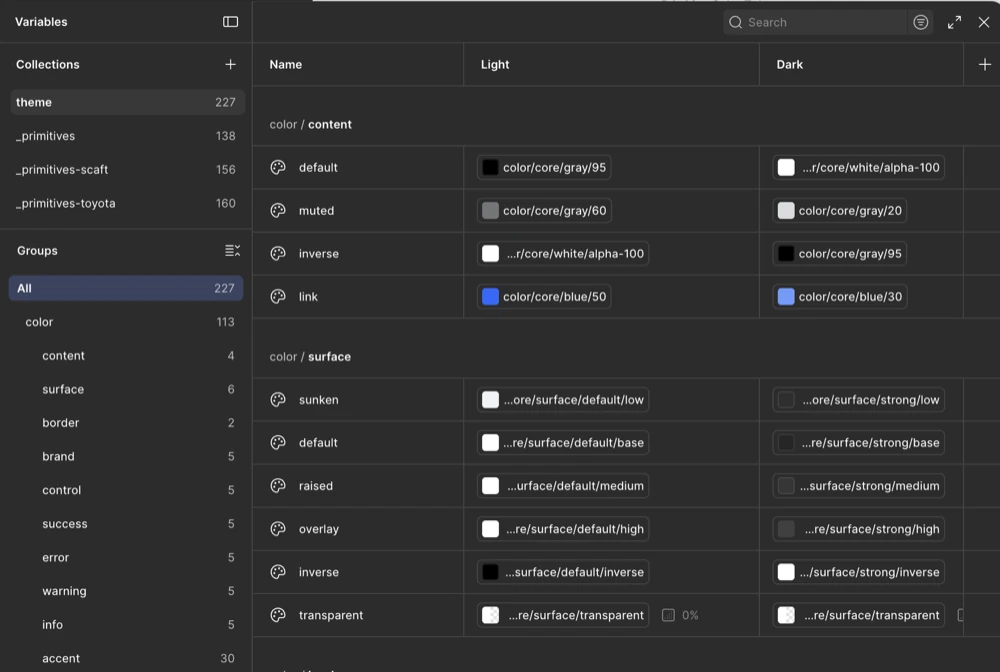
Led design of the Salesforce integration end to end. Admins fix sync issues themselves, cutting support costs an estimated $1.5M a year.