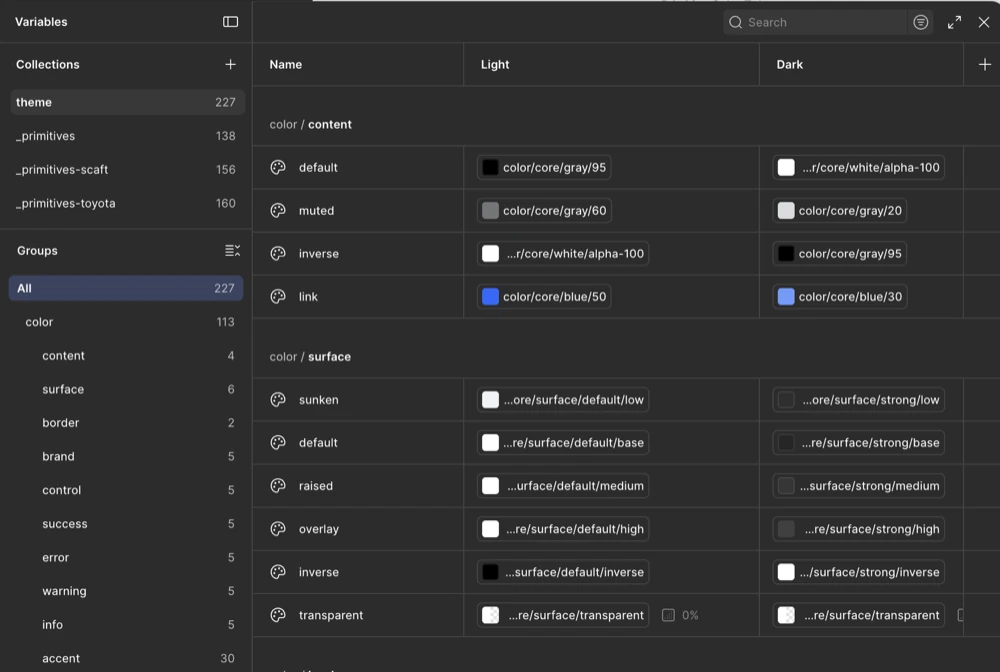
Building a multi‑brand token system
Led token architecture and Figma-to-code automation for Toyota’s PRIME design system, defining 680 primitive and theme tokens and 120 component tokens.
UX DesignerRemote2020 to 2020
Indeed had no cohesive design system, and deliverables across the organization were inconsistent.
I built and documented components for Indeed's new enterprise design system, used by 100+ designers. My focus was applying WCAG accessibility standards to our components and embedding localization guidance directly into our design and code.
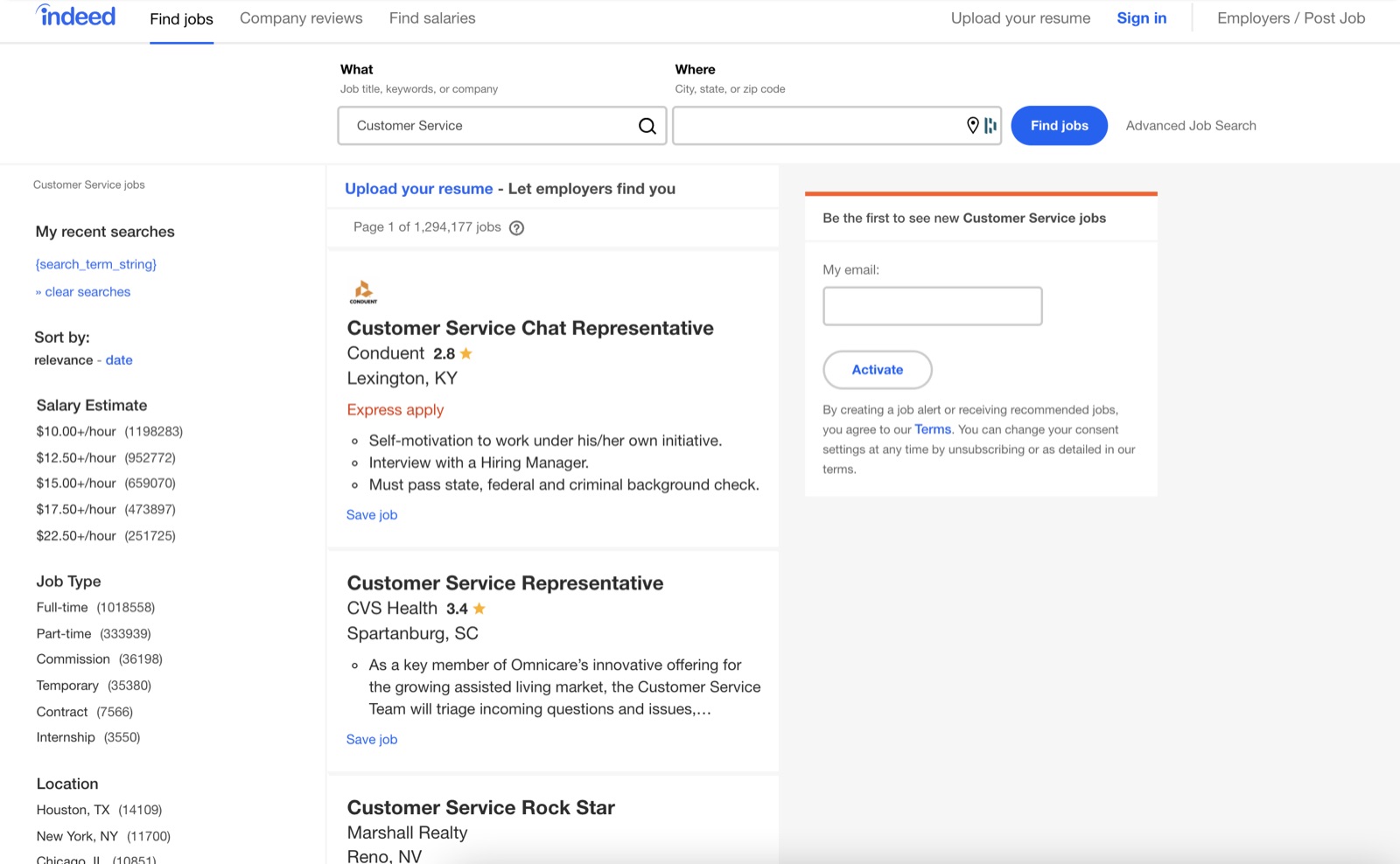
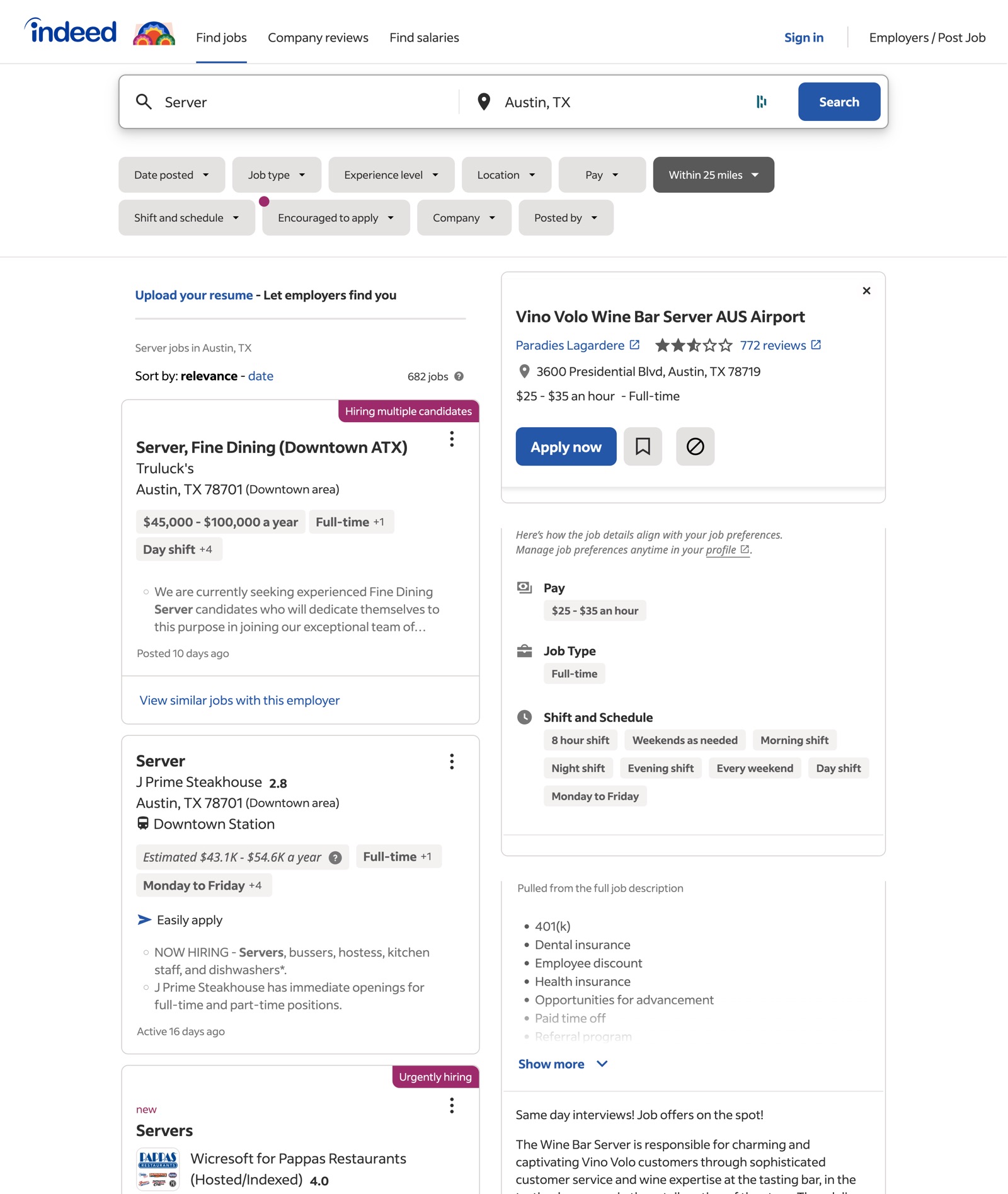
Different teams owned different parts of Indeed. The consumer-facing side covered job search, company search, resumes, applications, messaging and more. The employer side was where hiring managers connected with candidates and set up job posts. The mobile app was separate again, with its own teams.
When I joined, Indeed was refreshing its brand, moving its main color from light blue to dark blue and away from orange. The prior Sketch-based Indeed Component Library (ICL) was strict, inconsistent and avoided by designers.
A new Indeed Design System (IDS) was replacing it, built fully in Figma. The design org owned IDS as a central system. I was one of three designers on that team, with a lead and a junior designer. The goal was one hybrid, responsive system for desktop and mobile, in the new look.
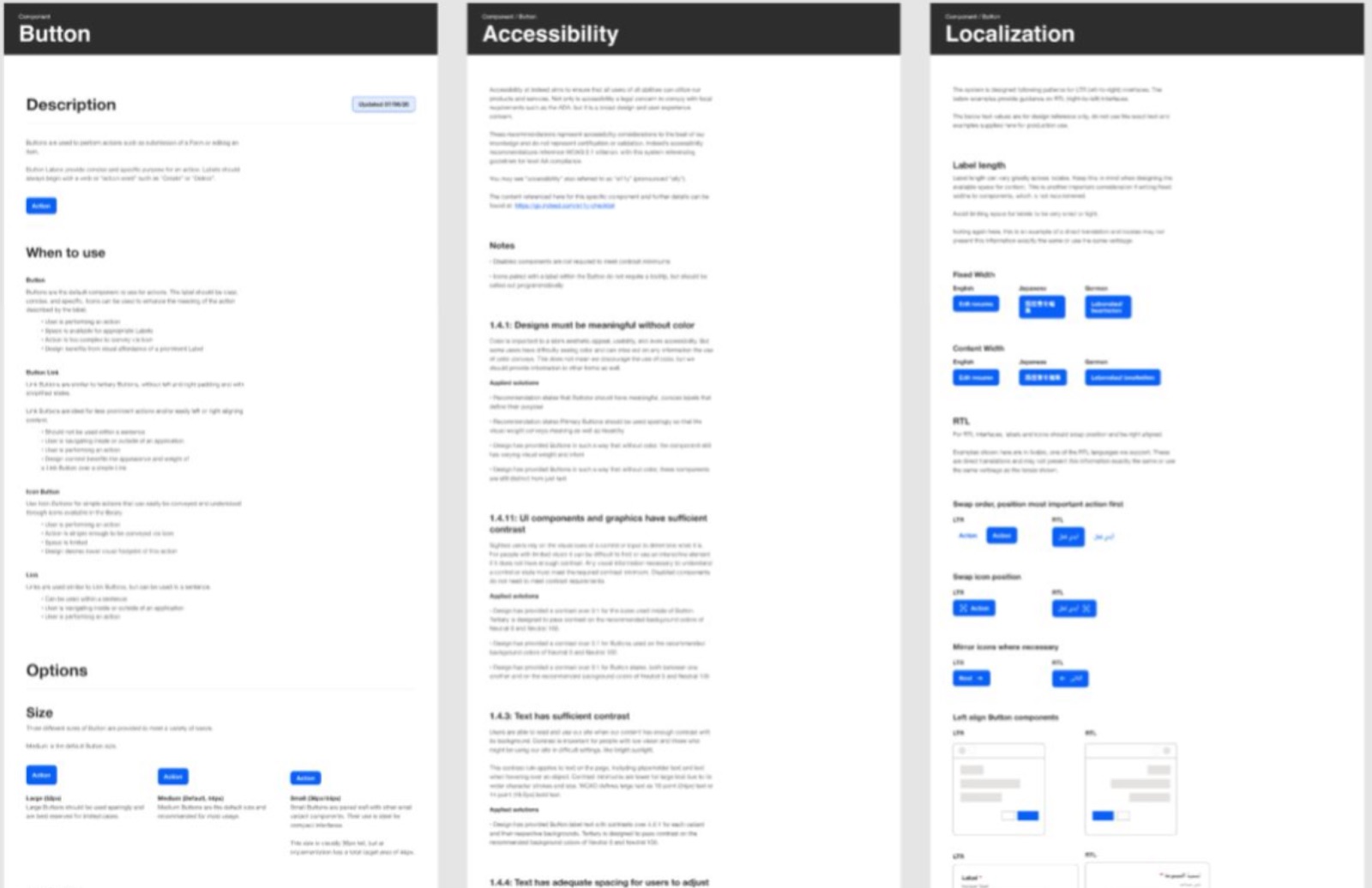
I built general-purpose components for the new library in Figma, aimed at that hybrid, responsive goal.
Each component came with documentation for usage, accessibility and localization. A page such as Button covers a description, when to use it, its options, WCAG success criteria with the solutions applied, and localization guidance.
I supported team adoption by sharing my Figma, design systems and accessibility expertise with other designers. I mentored them, contributed to onboarding sessions and answered daily system triage questions.
Indeed is owned by a Japanese company. Its major markets are Japan, Germany and the US, so every component had to work in Japanese, German and English. My component docs also covered right-to-left (RTL) languages, including Arabic and Hebrew.
For each component I wrote localization guidance and examples, covering label length and fixed and content-based widths. I also developed guidelines for designing around RTL, including swapped action order and mirrored icons.
I shipped 20 components, each designed, documented and handed off to engineering. I collaborated with engineering and design teams to streamline component handoffs and reduce UI redundancy across production apps.
The components and documentation I built gave those teams a shared reference for usage, accessibility and localization. That helped them ship accessible features faster while keeping the system consistent.
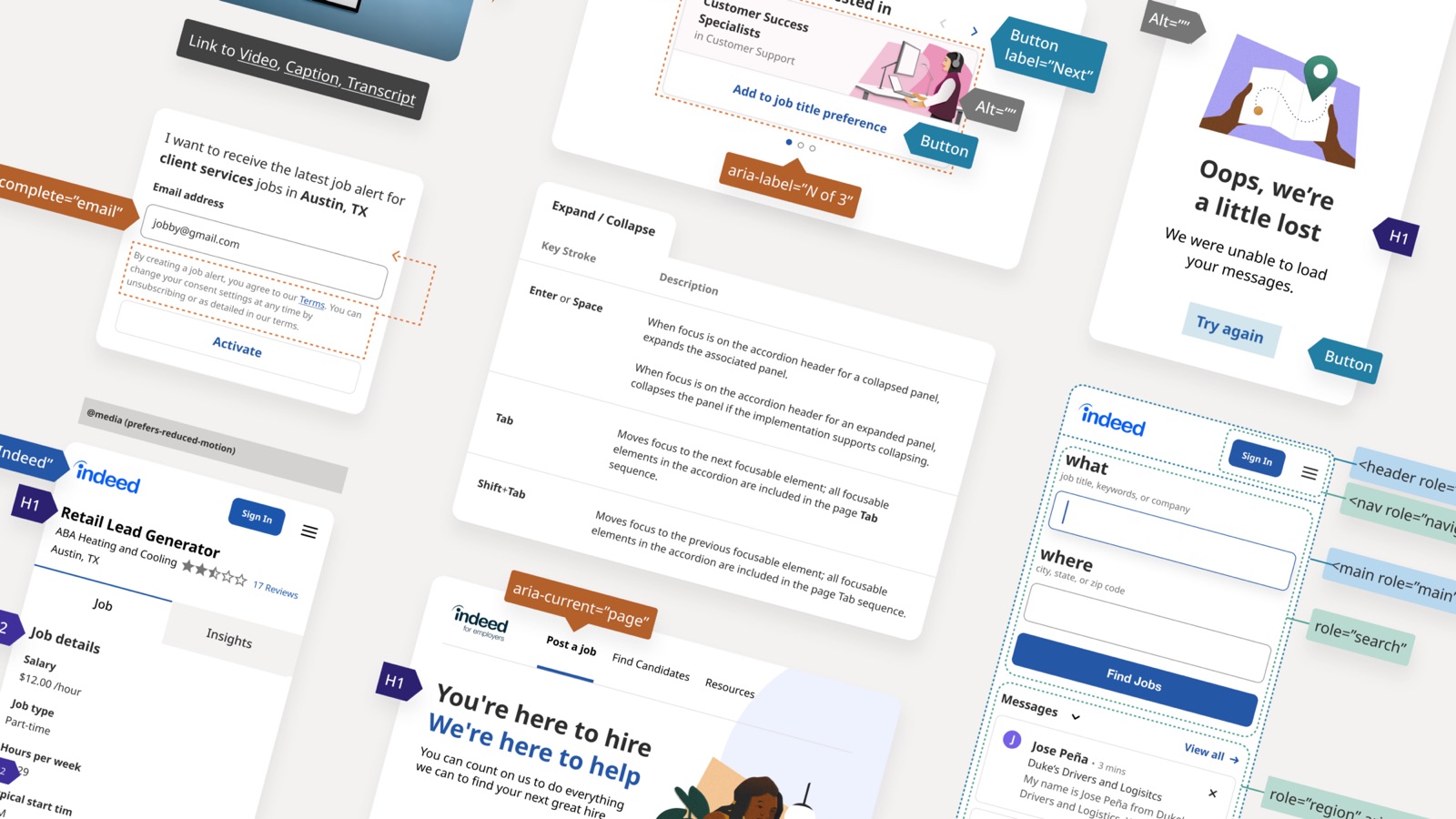
Looking back at this 2020 project, I would change two things:
Our team used basic variables and had not adopted design tokens. Today I would start by designing and implementing a token architecture. It would give design and code one shared set of named decisions for color, type and spacing. Then I would automate the sync from Figma Variables into production code with Style Dictionary and GitHub Actions.
I would track how teams use each component in production and find outdated UI that needs replacing. That data would show which components to improve first, which to retire, and where teams need more support. I would also measure the system's effect on engineering efficiency and translate it into cost savings.
Led token architecture and Figma-to-code automation for Toyota’s PRIME design system, defining 680 primitive and theme tokens and 120 component tokens.
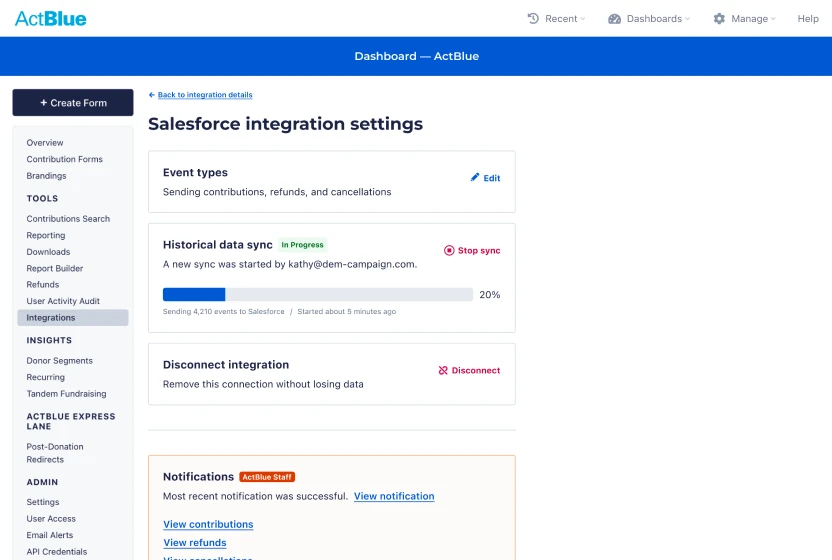
Led design of the Salesforce integration end to end. Admins fix sync issues themselves, cutting support costs an estimated $1.5M a year.